|
<< Click to Display Table of Contents > Option SAM3D |
  
|
|
<< Click to Display Table of Contents > Option SAM3D |
|
This chapter describes the 2.5D marking functionality of SAMLight called SAM3D.
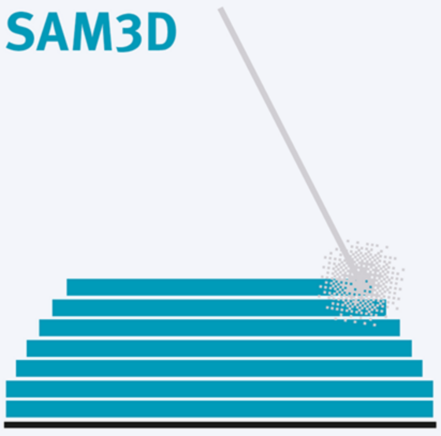
Figure 528: SAM3 - 2.5D marking - 2D layers at different z heights
The license SAM3D enables the system to mark 2D layers at different Z-positions using an optical or mechanical axis. This option can be used for rapid prototyping and deep engraving.
Before SAM3D can be used the 3D Mode has to be manually activated in Menu bar → Settings → System → 3D → General. The 3D View has to be checked and saved by clicking on the OK button.
The changes only take effect if the software is restarted.
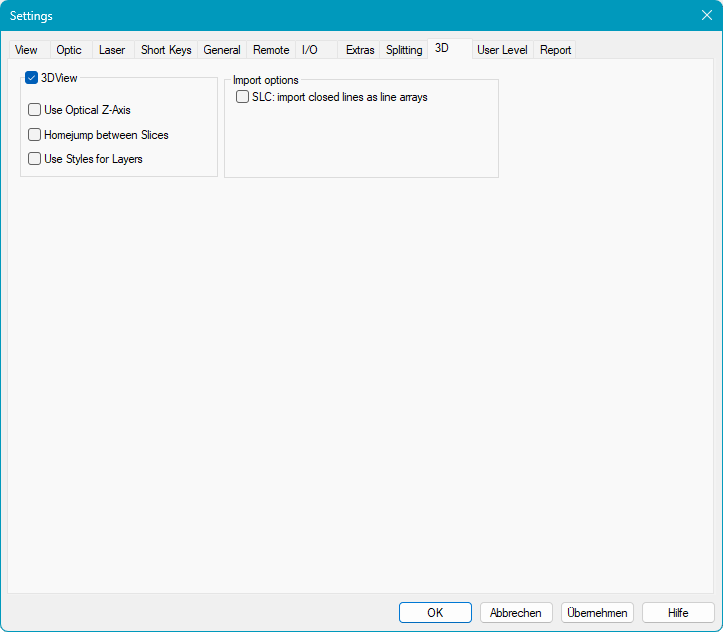
Figure 529: 3D Settings Dialog
General:
3DView: Enables / Disables SAM3D mode. The software must be restarted for the change to take effect.
Use Optical Z-Axis: Check this option, when you want to shift the focus optically with a 3D scan head. Please note: you need a license for Optic3D to use this option.
Home jump between slices:
Enabled: After each marked slice a home jump will be performed. If the checkbox in Settings → System → Optic → Home Position is deacitvated, no Home Jump is executed between
slices, but the pen 'HomeJumpStyles' is selected after each slice.
Disabled: No home jump after each marked slice.
Use Styles for Layers: Enables the Styles property page to assign different pens and hatches to the sliced layers of the 3D object. See chapter "Styles for Layers".