|
<< Click to Display Table of Contents > Fixed Job Offset |
  
|
|
<< Click to Display Table of Contents > Fixed Job Offset |
|
It is possible to define a Job Offset for the job that is used for the output to the secondary head. If the job offset is the same as the Secondary Head Offset, both the field of the secondary head and the job that is marked with the secondary head are moved by the same amount, therefore the output takes place at the same relative position as it does in the field of the primary head. The maximum Offset in one direction is ±30000 bits of 65536. That corresponds to ±45 mm of a 100 mm working area or 45%.
Inside SAMLight, the Job Offset can be defined within the dialog File → Job Properties:
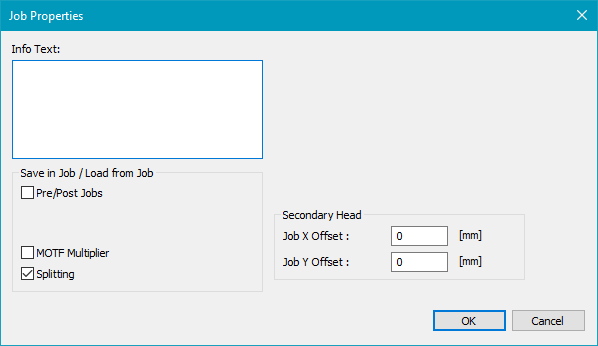
Figure 484: Job Properties Dialog
Inside the View, the job is displayed as follows:
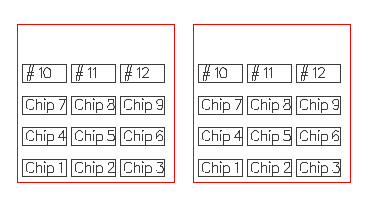
The objects are on the same relative position within the two heads as the Job Offset is the same as the Head Offset. If we change the Job Offset to x = 100, y = 20, we get the following:
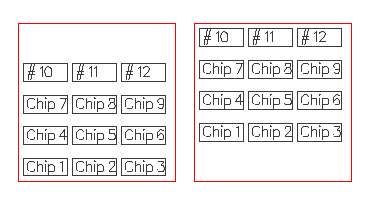
The Job Offset is saved within the sjf file.